
Fantasy
Ice Queen Awakening
Controlled character motion, luminous magic, and a slow cinematic push through a frozen temple.
Generated video will be displayed here
AI Video Tools
Generate marketing clips, product videos, and creative scenes with Seedance and other leading models.
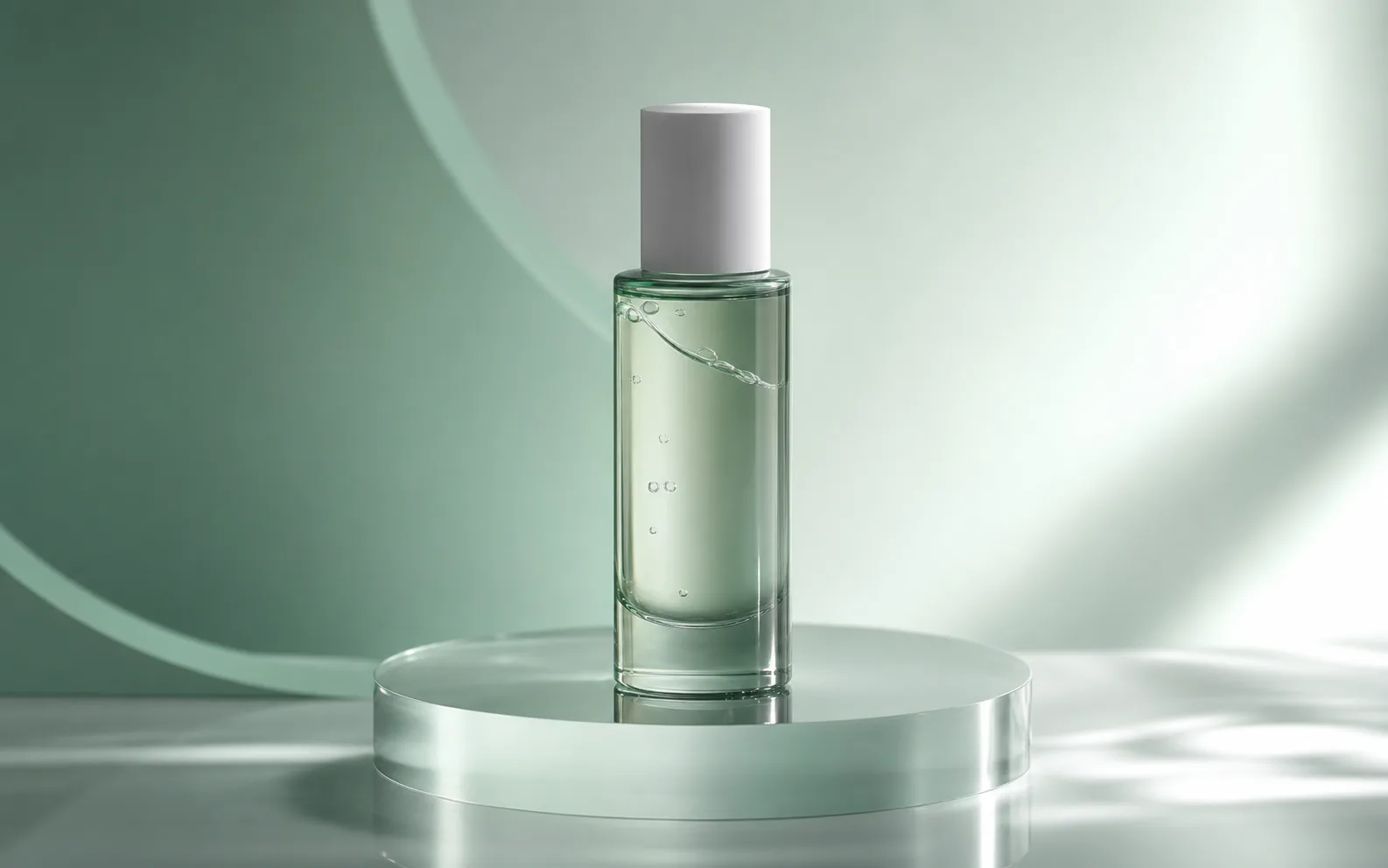
Turn prompts into short videos for ads, social posts, and product campaigns with Seedance 2.0.
Turn product photos into short ecommerce video clips for PDP heroes, marketplace ads, and launch teasers — without booking a motion shoot.

Create cinematic AI videos from text, images, audio, and video references. Use Seedance 2.0 to generate smooth motion, realistic scenes, synchronized audio, and multi-shot storytelling in minutes.
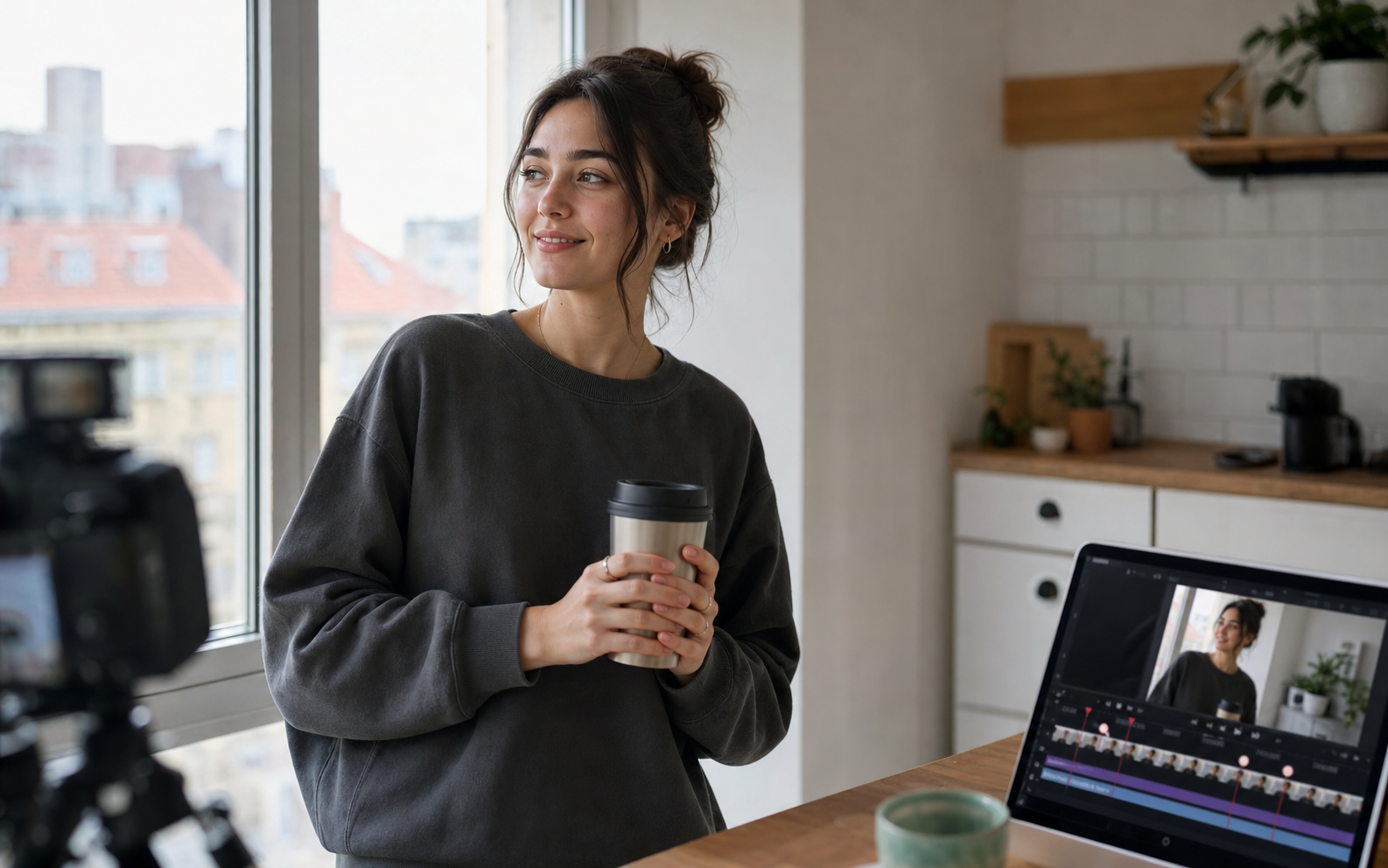
Create cinematic AI videos with Google Veo 3.1. Generate text-to-video, image-to-video, and reference-guided clips with native synchronized audio, realistic motion, and filmmaker-friendly controls.
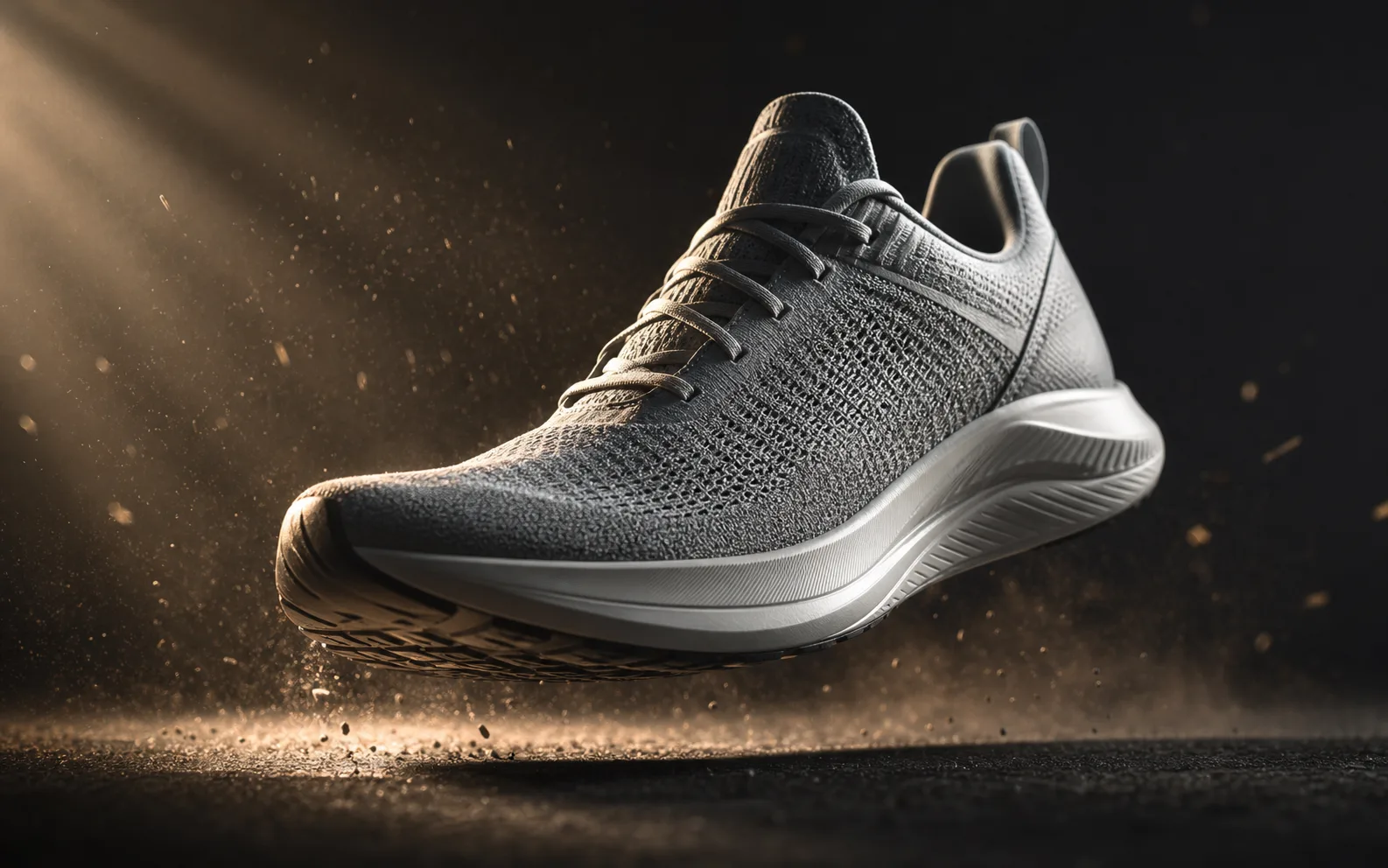
Create AI videos with Kling 3.0 from text or images. Generate product loops, social hooks, and reference-driven motion clips with strong subject consistency and flexible camera control.

Try fal's H3 Max — a post-trained MiniMax H3 video model built for speed. Generate 5–15s clips at 480P or 768P from text, images, or reference packs, then iterate fast in the Seedancy workbench.
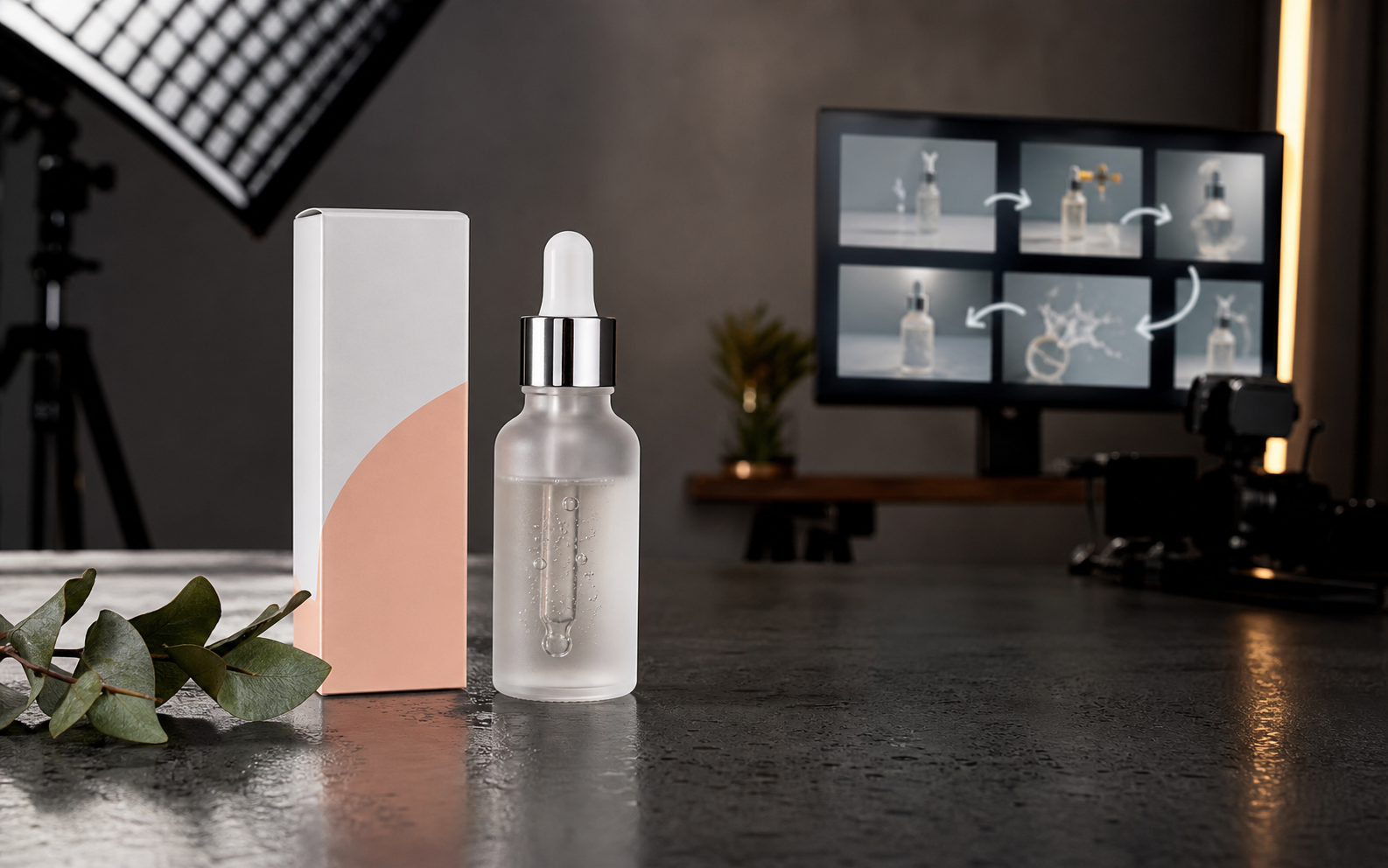
Upload a reference image, describe the camera motion, and turn product photos, portraits, landscapes, or ad stills into AI video clips.
Seedance vs Sora compared side by side — multi-shot storytelling, native audio, lip sync, control, and value. See which AI video generator fits your workflow in 2026.
Seedance vs Runway compared — multi-shot storytelling, native audio, lip sync, motion control, and value. Pick the right AI video tool for ads, social, and short films.
Generate coherent multi-scene AI videos with Seedance. Consistent characters, camera grammar, and timeline prompting for short films, ads, and UGC from one prompt.
Master Seedance prompts with a simple formula, camera and style keywords, and copy-paste examples. Write prompts that produce cinematic, consistent AI video on the first try.
See how Seedance pricing works on Seedancy — credits per clip, free trial credits, and Creator/Pro plans for scaling ad, social, and product video generation.
Why Seedancy
From launch teasers to product demos, generate motion-ready clips without switching tools or rebuilding prompts for each model.
Compare leading AI video models from a single generator, then switch models without leaving the page.
Start from a prompt or animate a still. Both workflows live in the same hub.
Create product ads, social hooks, brand mood scenes, and launch loops for marketing teams.
Describe camera motion, lighting, and mood in natural language, then refine with quick reruns.
Use images, video, and audio references when your model supports them for tighter creative control.
Generate reference stills in Seedancy image tools, then animate them here without exporting elsewhere.
The generator above is ready. Follow this flow to go from idea to a downloadable clip.
Pick text-to-video for prompt-led scenes, or image-to-video to animate a product shot or key visual.
Switch between Seedance 2.0, Kling 3.0, or Veo 3.1. Add camera path, lighting, and mood to your prompt.
Run the clip, refine the prompt if needed, then download for ads, PDP heroes, or social publishing.
Each page includes model-specific examples, prompt templates, and SEO-ready landing content.
The video hub supports Seedance 2.0 as the primary model, with Kling 3.0 and Veo 3.1 available depending on your workspace configuration and plan.
Text-to-video builds motion from a written prompt. Image-to-video animates an uploaded still, which is useful when a product shot, portrait, or key visual already has a fixed composition.
Usage rights depend on your subscription plan and each provider’s terms. Review Seedancy terms and your plan details before publishing paid campaigns.
Clip length varies by model, quality settings, and queue. Most outputs are optimized for short-form ads, social hooks, and product teasers.
Yes. Use Seedancy image tools to create reference stills, then open image-to-video or a model page like Seedance 2.0 to animate them in the same account.
Scroll up to the generator, pick a model, and create your first clip in minutes.