
Product / Ecommerce
Product Orbit Loop
Animate a clean product still with a slow orbit, parallax background, and premium studio lighting.
Generated video will be displayed here
Kling 3.0
Create AI videos with Kling 3.0 from text or images. Generate product loops, social hooks, and reference-driven motion clips with strong subject consistency and flexible camera control.
Animate a clean product still with a slow orbit, parallax background, and premium studio lighting.
Turn a creator portrait into a natural opening shot for Reels, Shorts, and paid social.
Add highlight sweeps and camera movement to a static ad still before creative testing.
Generate scroll-stopping vertical motion concepts for TikTok, Reels, and Shorts.
Describe scenes in natural language with subject, action, camera path, lighting, and mood.
Upload a still image and animate it while keeping the product, portrait, or scene anchor stable.
Use reference-driven generation when identity, product shape, or composition must remain recognizable.
Guide orbit, push-in, reveal, and sweep motions with short, explicit camera commands.
Generate short clips for TikTok, Reels, Shorts, PDP hero loops, and paid social testing.
Test multiple motion directions from the same still or prompt before committing to a full edit.
Workflow
Write a text prompt or upload a product, portrait, or campaign image with a clear subject.
Explain camera path, pacing, lighting behavior, and where the clip will be used.
Choose your settings, create the clip, preview the result, and download your Kling 3.0 video.
Keep the product subject stable. Add a slow camera orbit, soft studio lighting, subtle background parallax, realistic reflections, clean premium commercial style.
Best for product page hero loops and ecommerce ads.
Keep the face natural and identity stable. Add a gentle push-in, soft background blur, natural daylight shift, candid lifestyle video mood.
Best for Reels, Shorts, and creator-led social hooks.
Preserve the original product composition. Add a slow dolly-in, controlled highlight sweep, crisp commercial contrast, and smooth premium ad pacing.
Best for paid social tests and launch teasers.
Keep the lake and mountain structure stable. Add a slow rising camera motion from the foreground, gentle mist movement, natural sunrise light, cinematic documentary mood.
Best for travel backgrounds and brand atmosphere openers.
| Kling 3.0This page | Seedance 2.0 | Veo 3.1 | |
|---|---|---|---|
| Best for | Product loops, portrait hooks, reference-driven motion, and fast image-to-video drafts | Multimodal campaign videos with text, image, video, and audio references | Cinematic realism, brand atmosphere, and native audio direction in supported modes |
| Strongest input | Reference image + short motion prompt | Mixed multimodal references and longer creative direction | Cinematic prompt writing and reference-image control |
| Subject preservation | Strong when starting from a clear product or portrait still | Flexible across multimodal references and campaign variants | Strong in cinematic realism and atmosphere-led scenes |
| Native audio | Supported in supported Kling 3.0 modes depending on workspace settings | Audio-visual generation depending on access and settings | Designed for synchronized ambience in supported modes |
| Workflow fit | Quick motion tests from catalog or campaign stills | Broader campaign production and multi-reference storytelling | Fewer high-direction cinematic explorations |
FAQ
Kling 3.0 is Kuaishou's AI video generation model designed for text-to-video and image-to-video creation with stronger subject consistency, motion control, and production-oriented video workflows.
Yes. You can describe your scene in a text prompt and generate a short AI video based on your creative direction.
Yes. Kling 3.0 is especially useful when you upload a reference image and want to preserve the subject while adding controlled camera motion.
Yes. Product stills, packshots, and campaign images are a common starting point for Kling 3.0 image-to-video workflows such as orbit loops, push-ins, and reveal motions.
Kling 3.0 supports native audio generation in supported modes on the official model. Available audio behavior may vary by provider access, selected mode, and workspace settings.
In supported provider configurations on Seedancy, Kling 3.0 video generation commonly supports short clip durations within the configured workspace range. Available options may vary by mode and queue status.
State the subject clearly, describe how the camera should move, mention lighting and mood, and specify whether the clip is for product, portrait, social, or campaign use.
No. Seedancy is an independent AI video creation platform. This page provides access to Kling 3.0-compatible generation workflows through configured providers and is not affiliated with, endorsed by, or operated by Kuaishou or Kling AI.
Turn prompts and reference images into short motion clips with strong subject preservation, controlled camera movement, and fast creative iteration.
Turn product photos into short ecommerce video clips for PDP heroes, marketplace ads, and launch teasers — without booking a motion shoot.
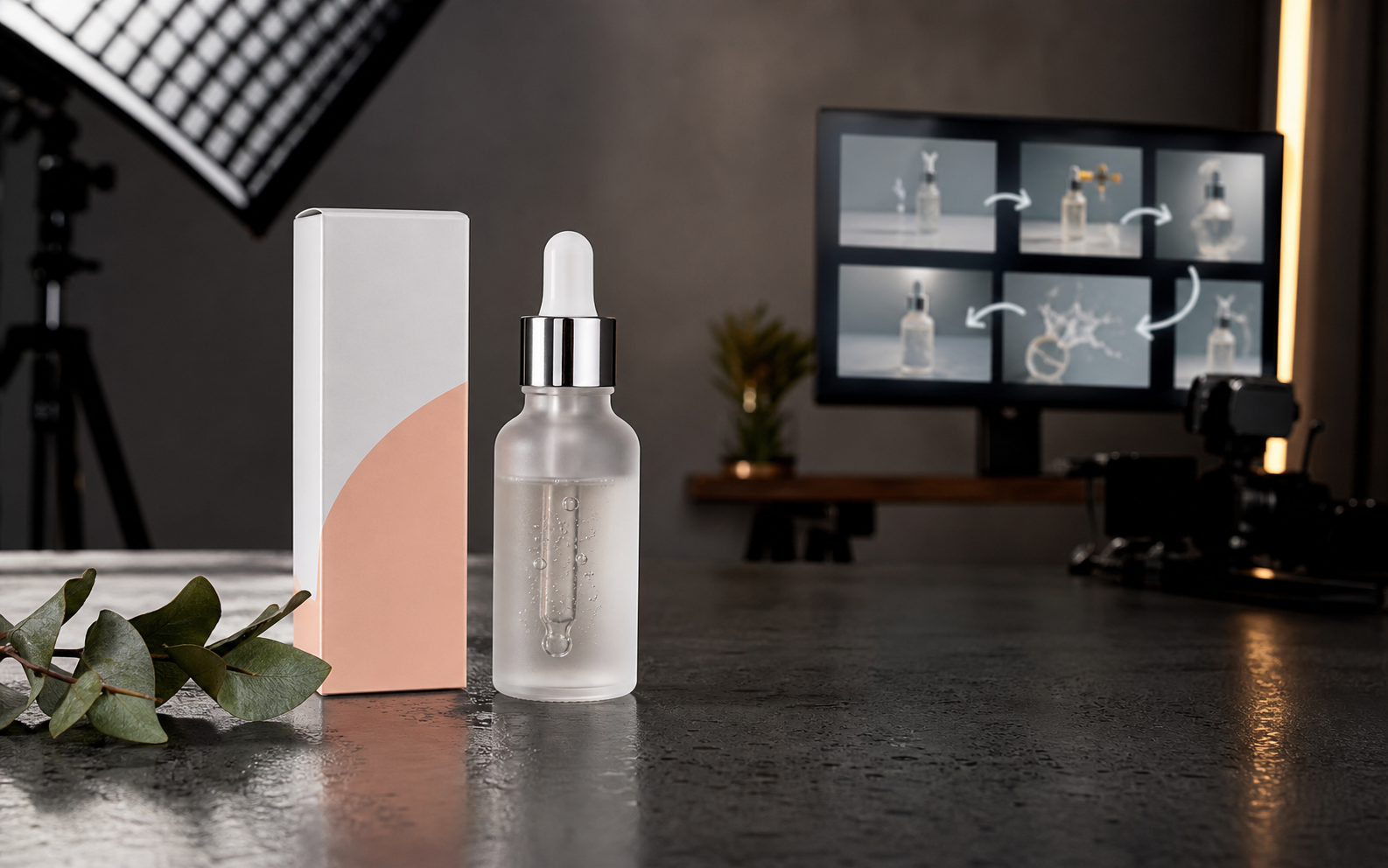
Upload a reference image, describe the camera motion, and turn product photos, portraits, landscapes, or ad stills into AI video clips.
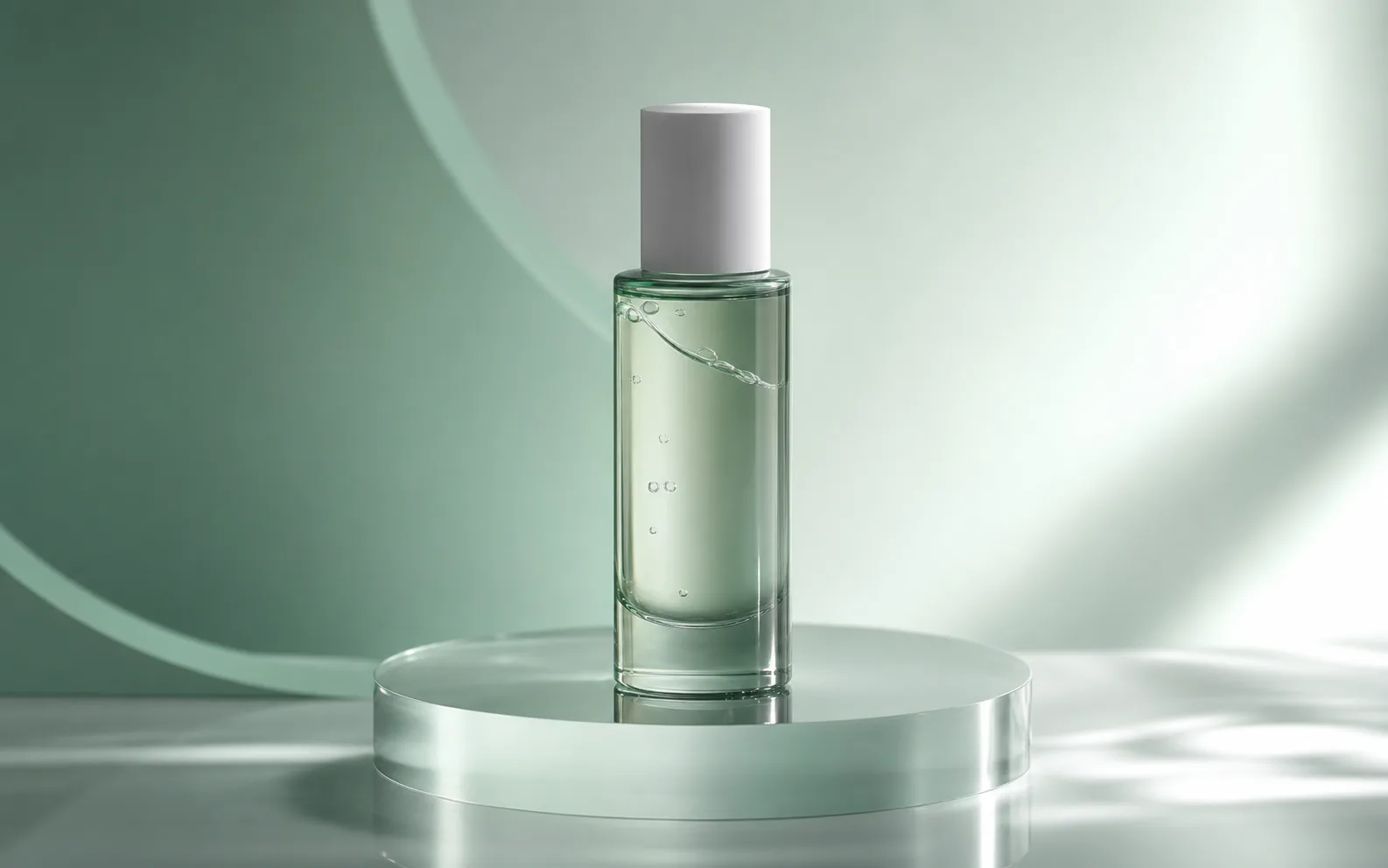
Turn prompts into short videos for ads, social posts, and product campaigns with Seedance 2.0.
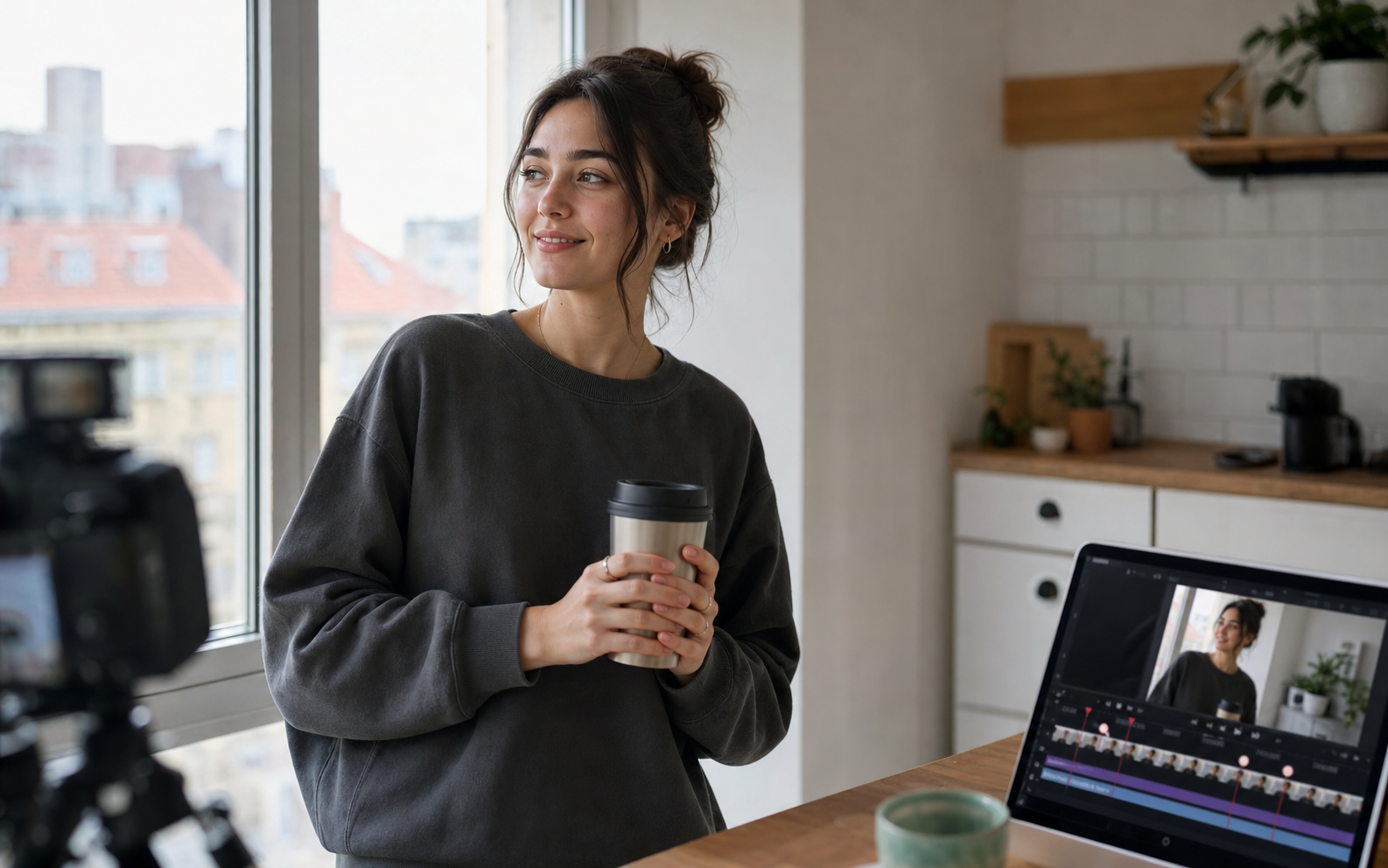
Create cinematic AI videos with Google Veo 3.1. Generate text-to-video, image-to-video, and reference-guided clips with native synchronized audio, realistic motion, and filmmaker-friendly controls.

Create cinematic AI videos from text, images, audio, and video references. Use Seedance 2.0 to generate smooth motion, realistic scenes, synchronized audio, and multi-shot storytelling in minutes.
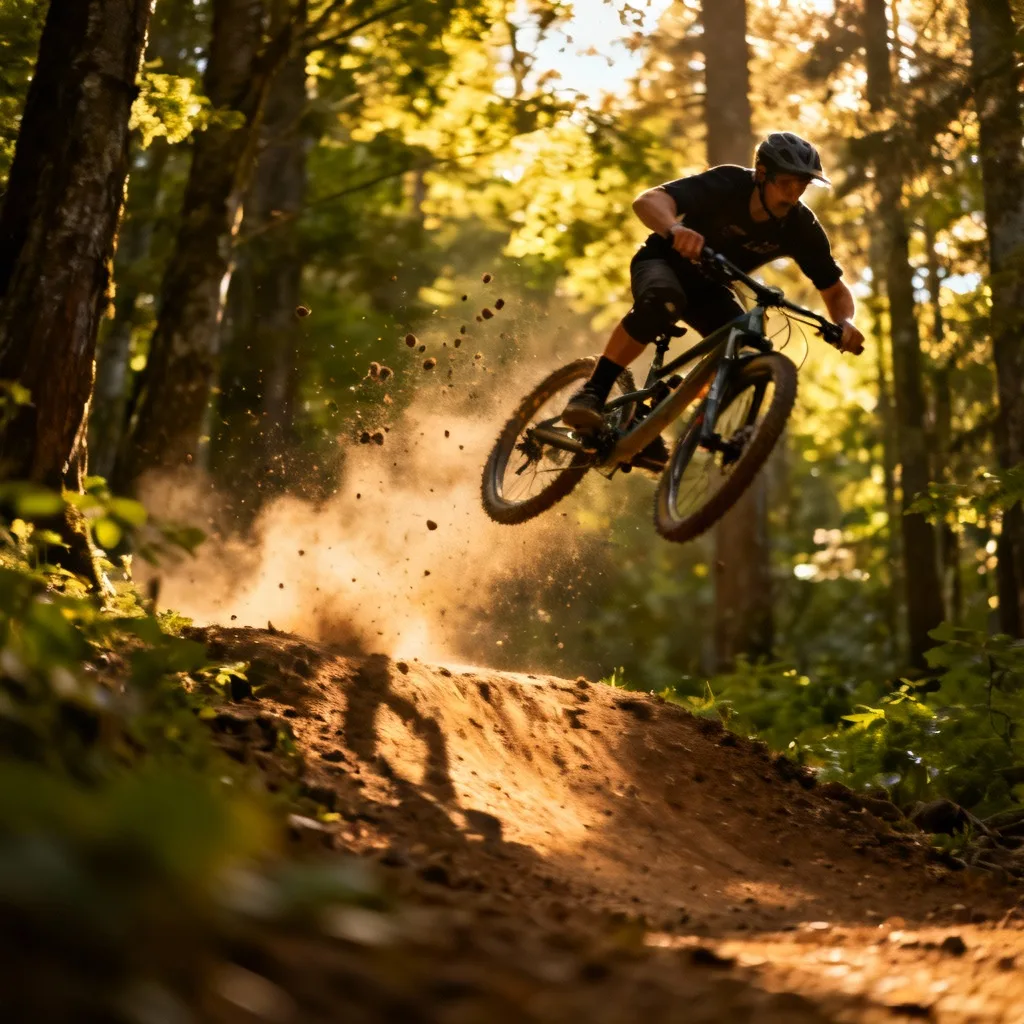
Try fal's H3 Max — a post-trained MiniMax H3 video model built for speed. Generate 5–15s clips at 480P or 768P from text, images, or reference packs, then iterate fast in the Seedancy workbench.